A casting associate at a network drama once told a director friend of mine that she rejects roughly a third of the week's self-tape submissions before she watches a single frame — wrong orientation, wrong file type, a link that won't open. That's not a horror story. That's a normal Tuesday. Actors lose roles to formatting more often than they lose them to ability, and almost nobody talks about it because it's less fun than talking about craft.
Knowing how to format a self tape means matching the casting notice's exact orientation, resolution, slate placement, and file naming before you ever hit record. Get five details right — horizontal or vertical, 1080p, .mp4 or .mov, a clean slate in the right spot, and a filename with your name and the role — and your tape gets watched instead of skipped. Pair this with a solid self tape audition guide and a proper home setup, and formatting stops being a way you lose roles.
Why Formatting Gets Actors Cut Before Anyone Presses Play
Casting offices process hundreds of submissions for a single role, often on a deadline measured in hours, not days. Anything that creates friction — a file that won't open, a sideways video on a platform built for landscape, a slate buried at the wrong end — gets set aside, and "set aside" quietly becomes "never watched." Formatting isn't bureaucracy for its own sake. It's the system casting uses to move fast without missing anyone, and actors who ignore it are opting themselves out before the audition even starts.
Read the Casting Notice Like It's a Contract
Before anything else, read the notice twice, ideally out loud, and pull out every formatting instruction into its own list: orientation, slate placement, number of takes, whether multiple sides go in one file or separate ones, format, resolution, and delivery method. The most common mistake actors make isn't bad formatting — it's ignoring specific instructions in favor of habit. If a notice says vertical and you always shoot horizontal, this is not the tape to be consistent on. When a notice specifies something, it overrides every general rule below.
Orientation and Framing
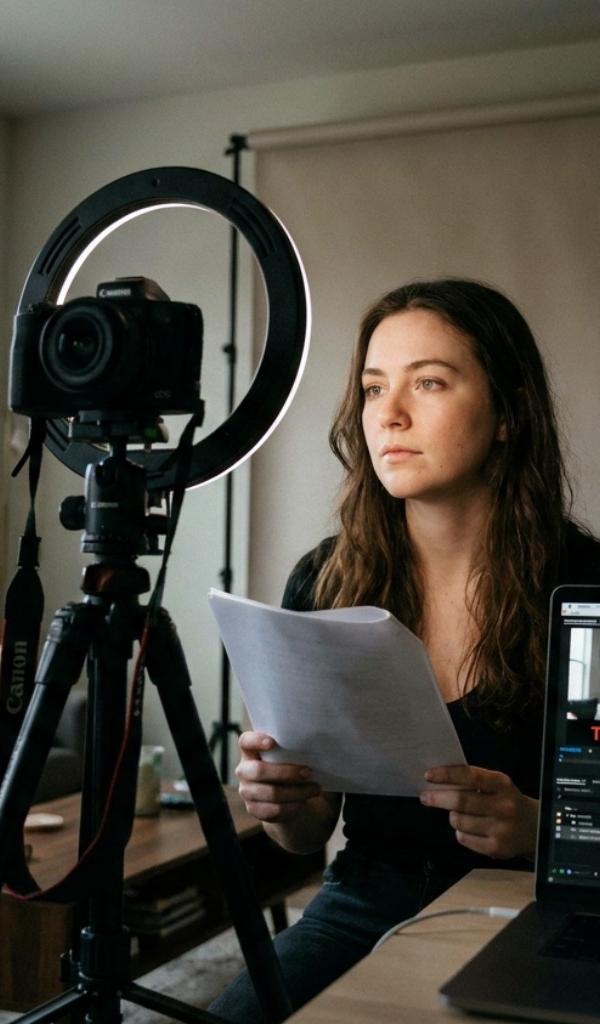
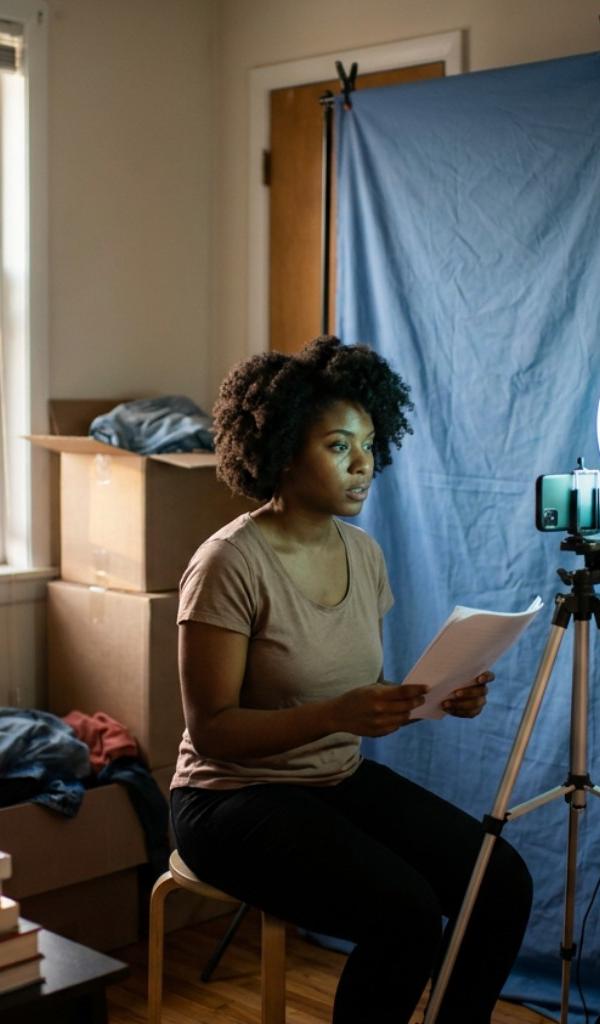
If the notice doesn't specify, horizontal (landscape) is still the safe default for film and television, while some commercial, social, and self-tape-first platforms request vertical. Never mix orientations within one submission. Lock your phone so it can't auto-rotate mid-take — a small setting toggle that saves you from redoing an otherwise perfect performance — and frame a medium close-up, mid-chest to just above the head, at eye level. For a deeper breakdown of exact framing measurements, see our full self tape framing guide.
Resolution and Export Settings
Shoot and export in 1080p (Full HD) unless told otherwise. It looks clean, plays reliably on every casting platform, and keeps upload times reasonable. Shooting in 4K and forgetting to downscale is a quiet, common error — the file balloons, uploads crawl, and some portals reject it outright. Export as an .mp4 or .mov, the two formats virtually every casting system expects. Skip filters, color grading, music, and transitions unless specifically requested; casting wants an honest record of your work, not a produced short film.
Casting isn't rejecting your talent. They're rejecting your file.
Slating Correctly — Placement Matters as Much as Content
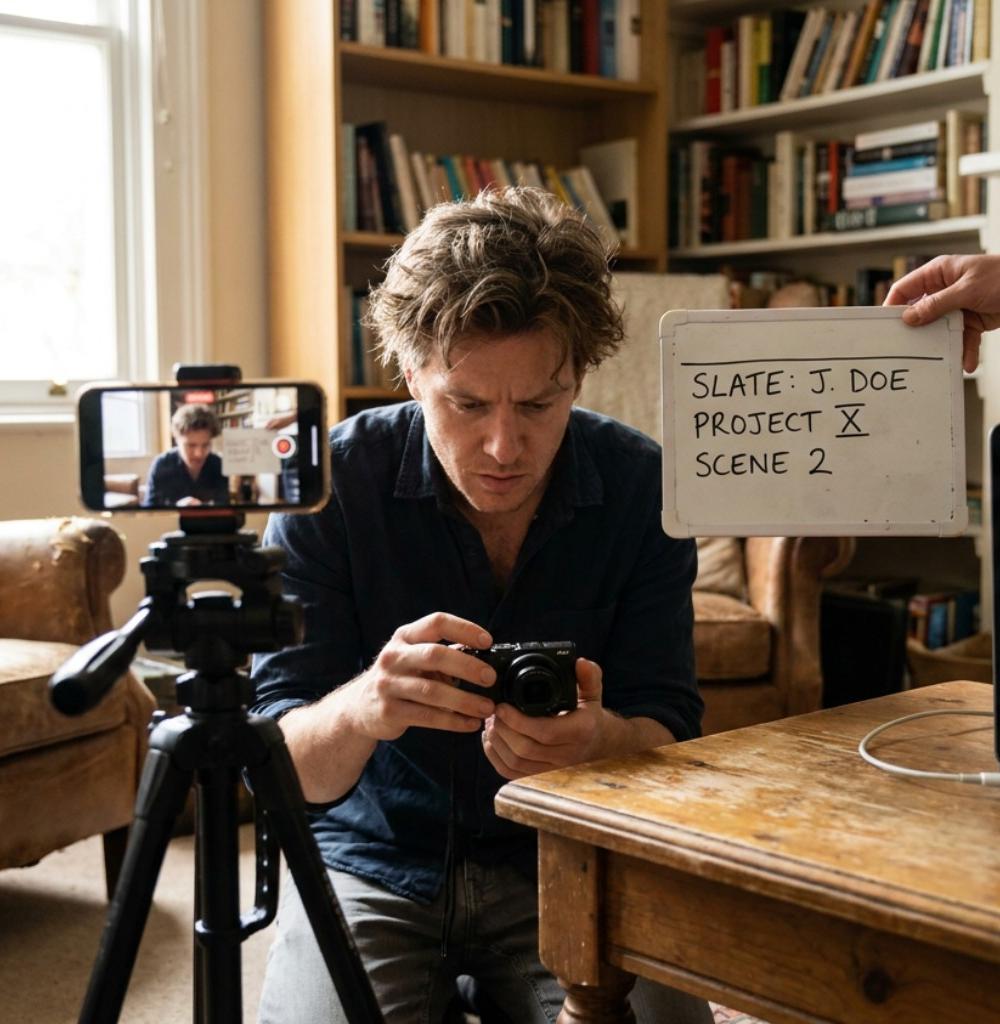
A slate is a brief, warm introduction — usually your name and height, sometimes your city or representation — delivered as yourself before you drop into the scene. Placement is part of formatting, not an afterthought: unless the notice says otherwise, put it at the start of the file. Keep it short and natural. A slate is a handshake, not a performance, and over-acting it is a small but real tell that you're new to the process.
File Naming That Casting Actually Loves
This is where actors quietly sabotage strong work. A file named IMG_4471.mov is a small headache multiplied across a hundred submissions, and casting assistants remember which actors made their job harder. Name your file clearly:
- Follow the notice's naming convention exactly if one is given.
- If none is given, use Your Name - Role Name, for example Jordan Lee - Detective Marsh.mp4.
- Skip special characters, spaces-as-underscores overload, and vague labels like "audition" or "final2."
A clear filename makes you easy to find, and being easy to find is quietly part of being easy to hire.
The Final Format Pass Before You Hit Send
Before uploading, run one last check against the notice: correct orientation, 1080p, right file type, slate in the right place, filename per instructions, right file attached to the right project. If you're uploading through a link rather than an attachment, open that link yourself on a different device to confirm it actually plays. This two-minute pass has saved more auditions than any single piece of gear ever will. Pair it with a full run-through of our self tape checklist so nothing — technical or performance — slips through on a tight deadline.
Common Formatting Mistakes That Get Tapes Rejected
Beyond ignoring the notice outright, three habits show up again and again in submissions that never get watched: uploading a video still labeled with its default camera-roll filename, forgetting to check that a shared link actually opens on a device other than your own, and shooting in portrait when the platform or notice clearly calls for landscape because it's what you're used to at home. None of these take more than a minute to fix, and all three are entirely within your control — which is exactly why casting has little patience for them.
Should I shoot my self tape horizontal or vertical?
Default to horizontal (landscape) for film and television auditions unless the casting notice specifies otherwise. Some commercial, social-first, or specific platform submissions request vertical — when they do, follow it exactly rather than defaulting to habit, since mismatched orientation is one of the fastest ways to get a tape set aside unwatched.
What resolution should I export my self tape in?
1080p (Full HD) is the standard virtually every casting platform expects. It looks sharp on a monitor, uploads reasonably fast, and avoids the oversized files that come from exporting in 4K without downscaling. Only go higher if a notice specifically requests it.
Does the slate go at the start or end of the file?
Unless a casting notice states otherwise, put your slate at the very start of the file, before the scene begins. It should be brief and natural — your name and height at minimum — delivered warmly as yourself, not as a performance.
What should I name my self tape file?
Use a clear, consistent format: Your Name - Role Name, like Jordan Lee - Detective Marsh.mp4. Always follow a casting notice's specific naming instructions first if they provide one — that instruction overrides any general rule.
Do I need to compress my self tape before sending it?
Usually not if you've exported correctly at 1080p in .mp4 or .mov — those settings already keep file size reasonable. If a platform has a strict upload limit and your file is still too large, trim any excess dead air first, and only compress as a last resort, checking that picture and sound quality hold up afterward.
Formatting won't make a mediocre performance great, but it will absolutely keep a great performance from getting seen at all. If you want a workflow that handles the framing guides, slate reminders, and export checklist for you, HowToSelfTape is free to start and built specifically for actors taping from home. Get the format right, and let the work speak for itself.